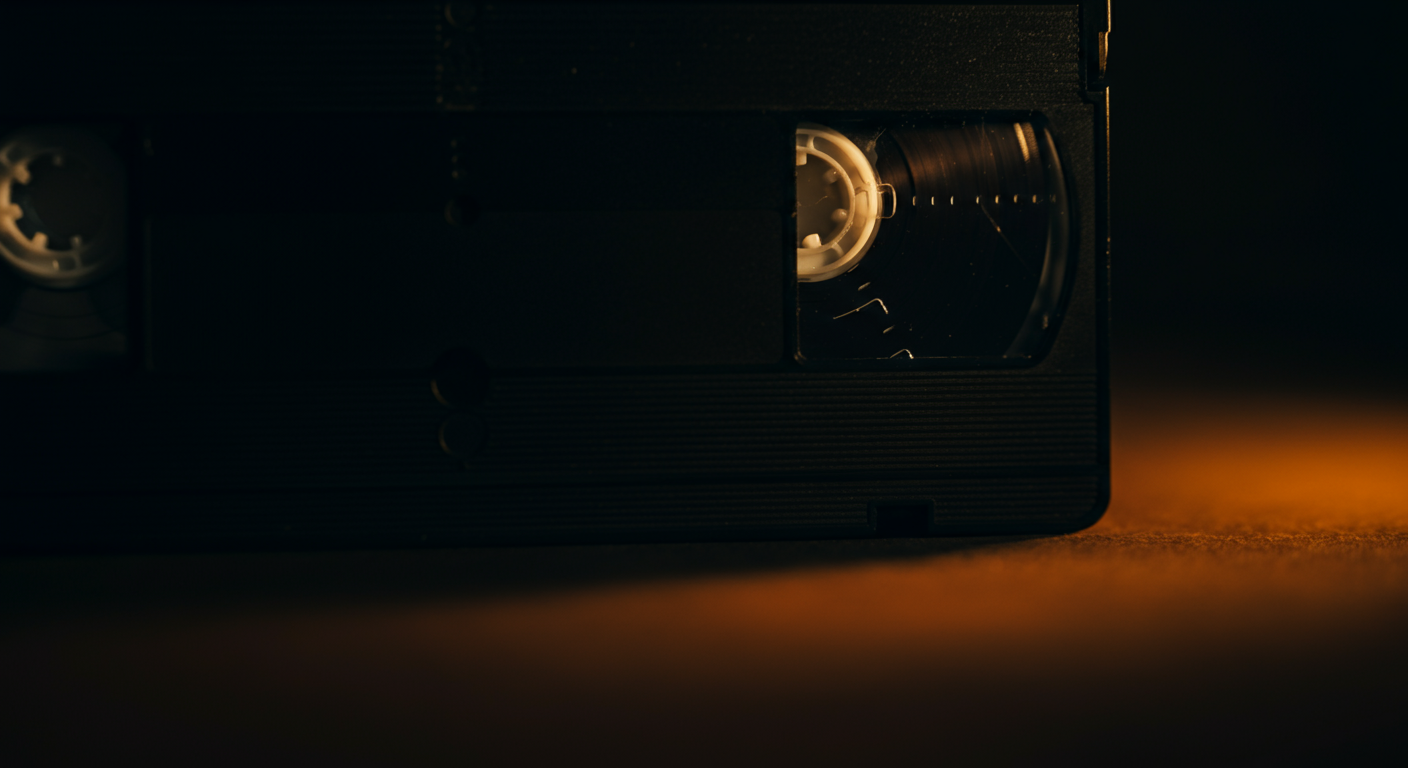
This guide explains how to preserve the legacy stored on old VHS tapes by moving beyond simple digitization. It covers organizing digital files, creating shareable stories, and using a private family network like Kinnect to build a secure, lasting digital archive for future generations.
Kinnect is now LIVE! Start your private family group today.
👉 Try Kinnect on the Web
👉 Download the iOS App
Digitizing family VHS tapes means converting the analog video and audio from the magnetic tape into a digital file format (like MP4) that can be stored on a computer, cloud drive, or private network. This process not only saves memories from physical decay but makes them easily shareable and viewable on modern devices.
If you're like most families, you have a box of old VHS tapes in a closet, collecting dust. You know they contain priceless memories—birthdays, holidays, the sound of a loved one's voice—but you have no way to watch them. The magnetic tape is degrading with each passing year, and the moments trapped on them are at risk of being lost forever.
While many guides focus on the technical steps of converting tapes to files, that's only the beginning. The real challenge, and the greatest opportunity, is what you do next. Simply creating a folder of unlabelled MP4 files on a hard drive isn't a legacy; it's a digital version of the same dusty box. Our research highlights a critical Legacy Preservation Gap: 85% of Gen X adults report they wish they had recorded their parents' voices before they passed, yet only 12% have a system for doing so. Those VHS tapes hold those voices. It's time to turn those raw files into a living, breathing family archive that will be cherished for generations.
5 Steps to Create a Lasting Digital Video Archive
Once your tapes are digitized, the real work of preservation begins. Follow these steps to transform a folder of files into a priceless family heirloom.
- Organize and Label Everything. This is the most crucial step. Adopt a consistent naming convention that includes the date, the event, and the primary people involved (e.g., '1992-12-25_Christmas-at-Grandmas_Smith-Family.mp4'). Create folders by year or family branch to make browsing intuitive for future generations who won't have your memory of the events.
- Edit for Impact. Nobody has time to watch three hours of a shaky birthday party video. Use simple, free video editing software to create highlight reels. Pull out the 2-minute clip of everyone singing 'Happy Birthday' or the 30-second moment of a heartfelt toast. These short, meaningful clips are far more likely to be watched and shared.
- Add Context and Stories. A video without context is just moving pictures. Alongside your video files, create simple text documents or, even better, record a short audio note explaining the story behind the video. Who are the people in the background? What was the inside joke that made everyone laugh? This context is what gives the memory its soul.
- Choose a Secure, Permanent Home. A single hard drive can fail. A generic cloud service can become a digital junk drawer. Your family's legacy deserves a dedicated, private space. This ensures the memories are safe from data loss and accessible only to the people who matter. In families with regular storytelling traditions, children show 37% higher scores on family cohesion measures than in families with few shared stories (Source: Journal of Family Psychology, 2008). Your digital archive is the modern hearth for these stories.
- Create a Legacy Plan. Who will inherit this digital archive? Make a plan and share the login credentials with a trusted family member. Document your system so that someone can understand and manage the archive 50 years from now.
Creating a true digital archive goes beyond a simple cloud folder. It requires a private, secure space designed for family stories. Kinnect is the first platform built specifically to house your family's most precious memories, from digitized VHS tapes to new moments you capture today. It's time to build your family's forever-archive. Kinnect is now LIVE on the App Store and Web!
Learn more about Kinnect and Download on the App Store.
How much does it cost to digitize VHS tapes?
The cost varies widely. Professional services typically charge between $15 to $35 per tape, depending on the length and any repairs needed. DIY methods require an upfront investment of $50-$100 for a video capture device, but the per-tape cost is then free.
What is the best way to convert VHS to digital?
For the highest quality and least hassle, a professional mail-in digitization service is best. For those on a budget or with many tapes, using a USB video capture adapter connected between a VCR and a computer is a popular and effective DIY method.
Can I transfer VHS to my computer?
Yes. You will need a functioning VCR, a USB video capture device (like an Elgato or Diamond VC500), and software to record the video feed. The VCR's output connects to the capture device, which then connects to your computer's USB port.
Is it better to convert VHS to DVD or digital?
Converting to a digital file (like an MP4) is far superior to DVD. DVDs are also a physical, degradable format that can be easily scratched or lost. Digital files can be easily backed up, copied, edited, and shared online in a private, secure space for your family.
Keep reading
- The Deployable Legacy Kit for Military Family Stories
- 3 Steps: what to leave behind for your children memories
- 3 Steps to digitize old family videos before too late
Preserving the moments that define your family is a powerful first step. To capture the full picture of all your loved ones, explore how you can build a family tree that goes beyond bloodlines.
